 NullClipper
Windows 10 · Windows 11
NullClipper for Windows
A free, open-source tray app for snips and short GIFs of anything on screen — with an optional one-click upload to NullImage, encrypted before it ever leaves your PC.
Windows 10/11 x64 · needs the .NET 8 Desktop Runtime · MIT licensed · just need the current tab? try the extension
What it does
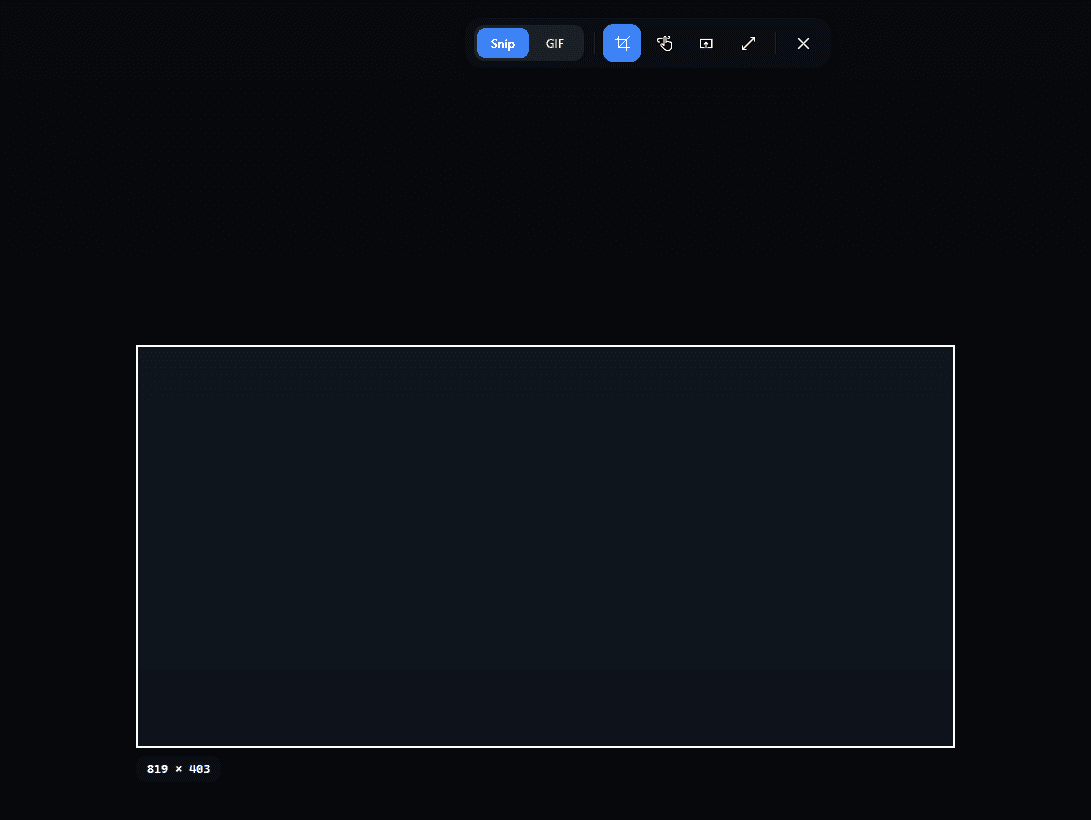
Snip anything on screen
Region, freeform, a single window, or the whole monitor. The overlay covers every display and freezes the frame so nothing moves while you drag.
Stills or short GIFs
Snip copies a PNG. Switch to GIF in the same toolbar to record up to 8 seconds at 12 fps, longest side capped at 640px so files stay small.
Straight to the clipboard
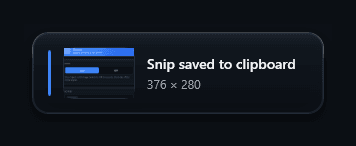
No editor, no save dialog. A toast confirms the capture with a thumbnail — paste it into chat, an editor, anything that accepts an image.
Or an encrypted link instead
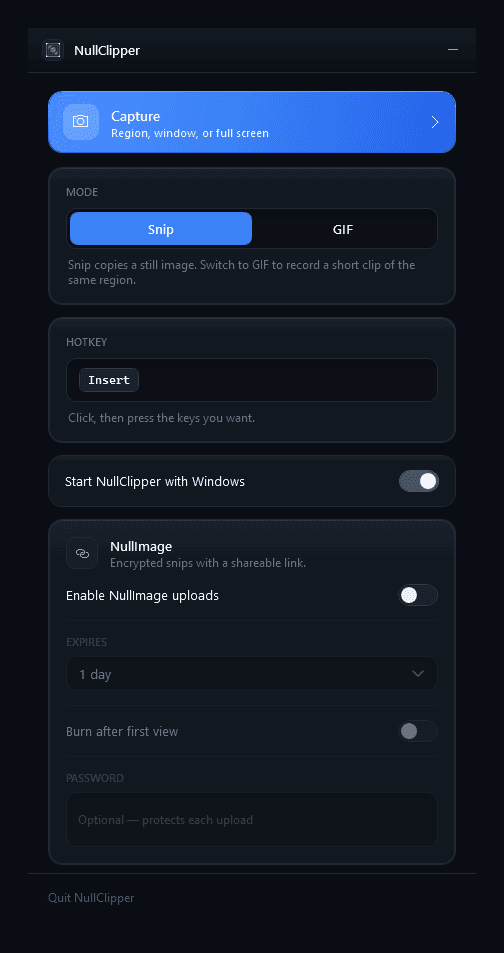
Turn on NullImage and a snip is encrypted on your PC with the same AES-256-GCM scheme as nullimage.org — the share link is copied instead of the image, with expiry, burn-after-view, and password options.
Your hotkey, your way
Ctrl+Shift+X by default. Click the hotkey field in Settings and press the keys you want; Esc keeps the old one.
Lives in the tray
Left-click the tray icon to capture, right-click for Settings or Exit. Single-instance, optional launch at Windows startup.
Controls
| Ctrl+Shift+X | Overlay appears over a frozen screenshot |
| Drag | Rectangular (or freeform) selection |
| Click a window | Snips that window's bounds, in window mode |
| Fullscreen button | The whole monitor |
| Esc / right-click | Cancel |
Install
- 1
Install the .NET 8 Desktop Runtime
If you don't already have it — a one-time install from dotnet.microsoft.com.
- 2
Run NullClipper-Setup.exe
Double-click, Next, Finish. Prefer no installer? Extract the portable zip anywhere and run
NullClipper.exe. - 3
Look for the tray icon
It appears near the clock with a “NullClipper is ready” balloon. Press Ctrl+Shift+X to snip.
All downloads: latest GitHub Release · full walkthrough: docs/install.md · source
The only network call NullClipper ever makes is the optional NullImage upload — to the same public API every browser upload uses. No account, no API key. Settings, including any password you set, stay in %AppData%\Clipper\settings.json on your PC.