 NullClipper
Snip it. Share it.
Nobody in between.
NullClipper grabs a region or a short GIF and puts it on your clipboard. Want to send it instead? One switch turns it into an encrypted link — the key never leaves your device.
Two ways to clip
Same snip, same GIF limits, same encryption. Pick the one that fits where you work.
Chrome · Opera · Edge
Browser extension
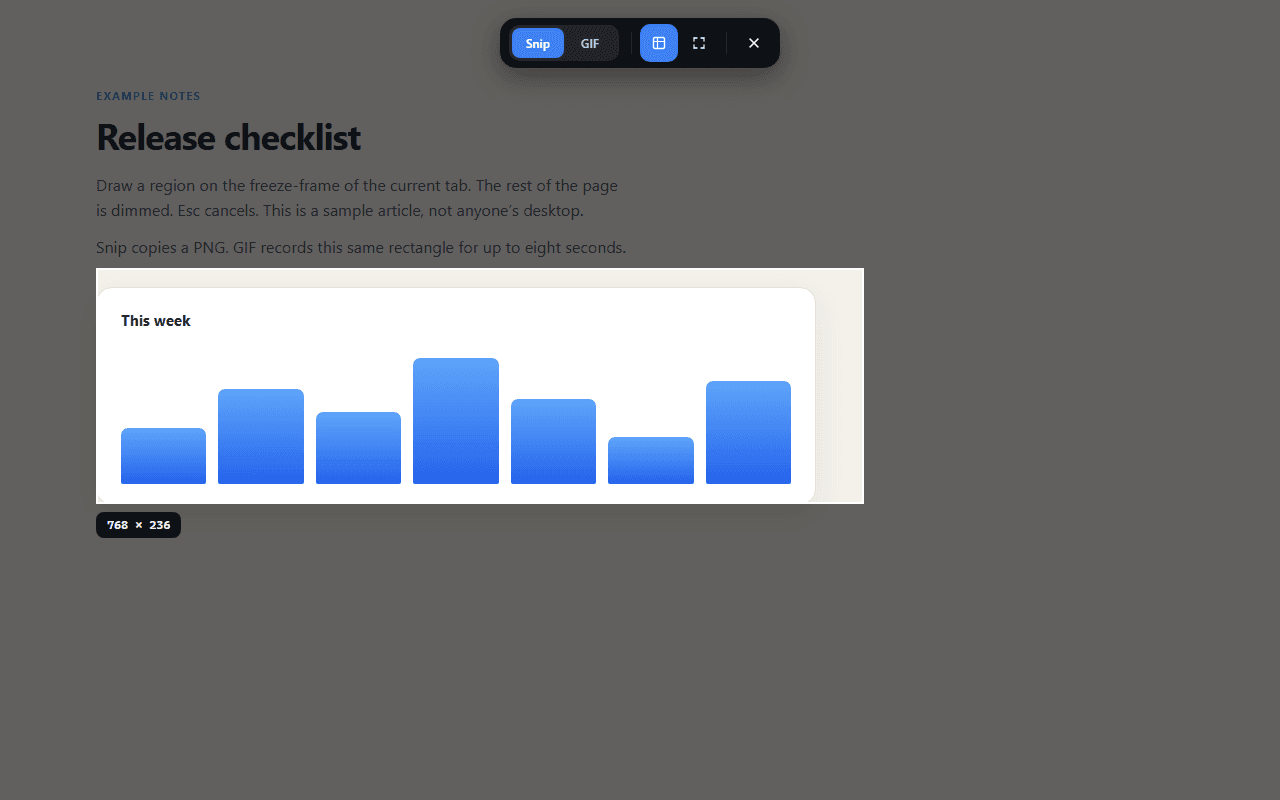
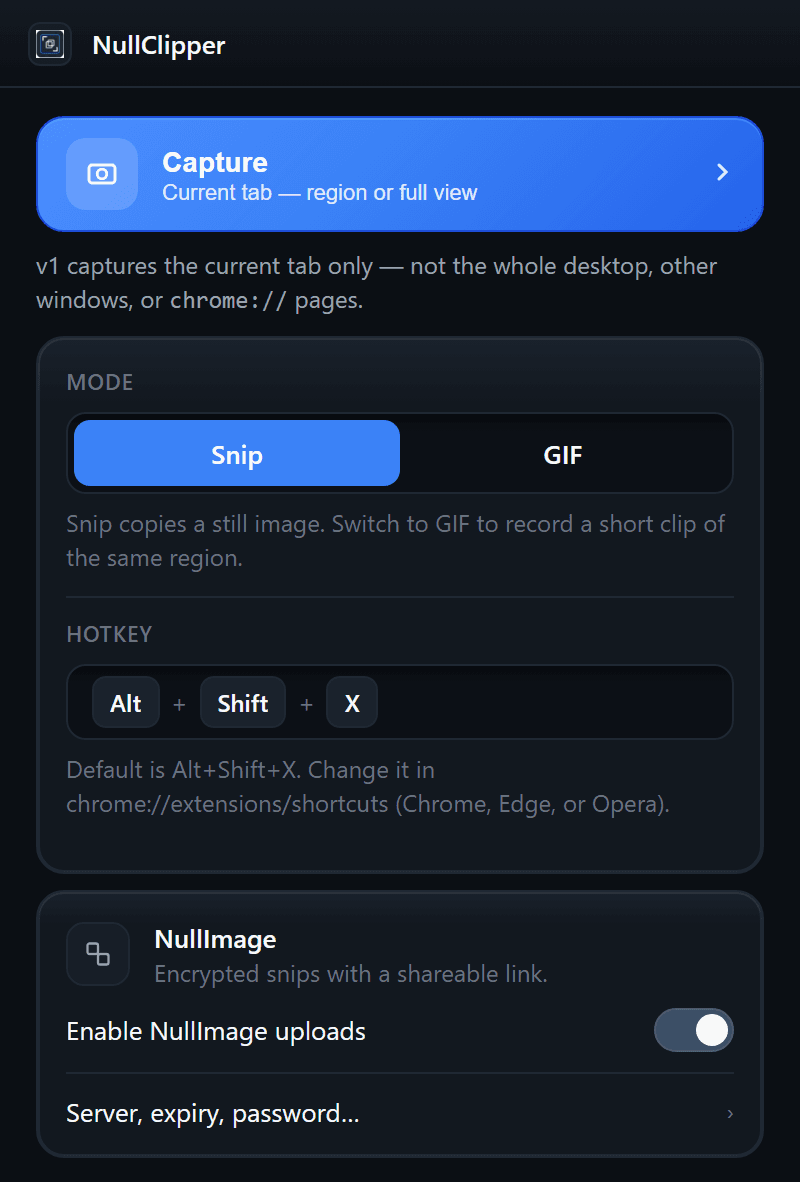
Captures the tab you're looking at — nothing else. It never injects code into the page you're on.
- Current tab only, by design
- Alt+Shift+X or the toolbar icon
- Live on the Chrome Web Store and Opera add-ons
Windows 10 · Windows 11
Windows app
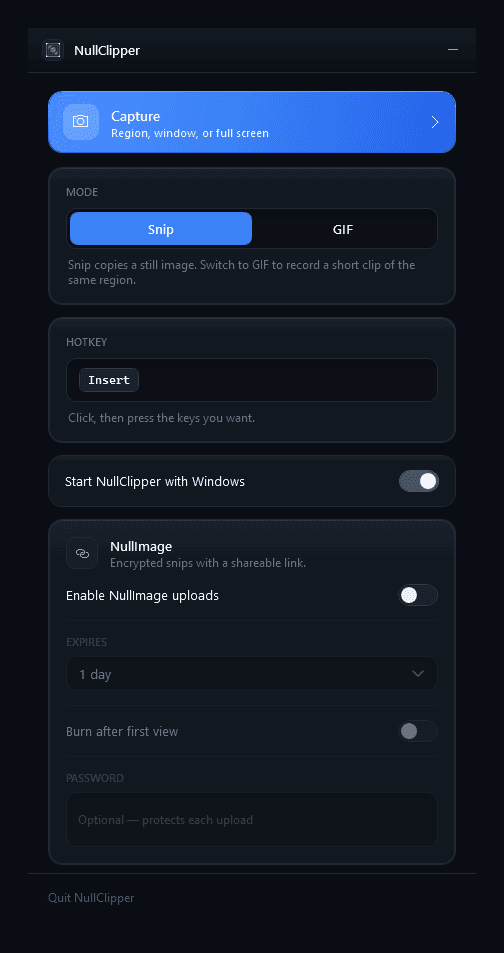
A tray app for the whole desktop: any monitor, any window, any shape — freeform included.
- Region, freeform, window, or full screen
- Multi-monitor, frozen while you drag
- One-click installer or a portable zip
Three seconds, start to paste
- 1
Press the hotkey
Ctrl+Shift+X on Windows, Alt+Shift+X in the browser — both rebindable. The screen freezes so nothing moves while you aim.
- 2
Drag a region
Everything else dims. Pick Snip for a still image or GIF for up to 8 seconds of motion. Esc cancels.
- 3
Paste it — or share a link
The PNG or GIF lands on your clipboard. Turn on NullImage and you get an encrypted share link instead.
Optional · NullImage
Share a link the server can't read
With NullImage uploads on, each capture is encrypted on your device with AES-256-GCM before it's sent. The key is generated locally and travels only in the link's #fragment — the part browsers never send to a server.
- Expires after 1 hour, 1 day, 3 days, or 7 days
- Burn after the first view, if you want
- Optional password on top
- If an upload fails, the image is copied locally instead
What gets copied
https://nullimage.org/a7Kq2xP9#k=Qm3vT8…Zp4w
Sent to the server
The image id, and the encrypted bytes. Ciphertext only.
Never leaves the link
The decryption key, after the #. Browsers don't transmit it.
Scheme ni1-aes-gcm-256 — identical in the Windows app, the extension, and nullimage.org itself.
No account, ever
Nothing to sign up for — not for the app, not for the extension, not for NullImage.
Nothing phones home
No analytics, no ads, no crash telemetry. Settings stay on your device.
Free and open source
MIT licensed. Every line of both the Windows app and the extension is on GitHub.